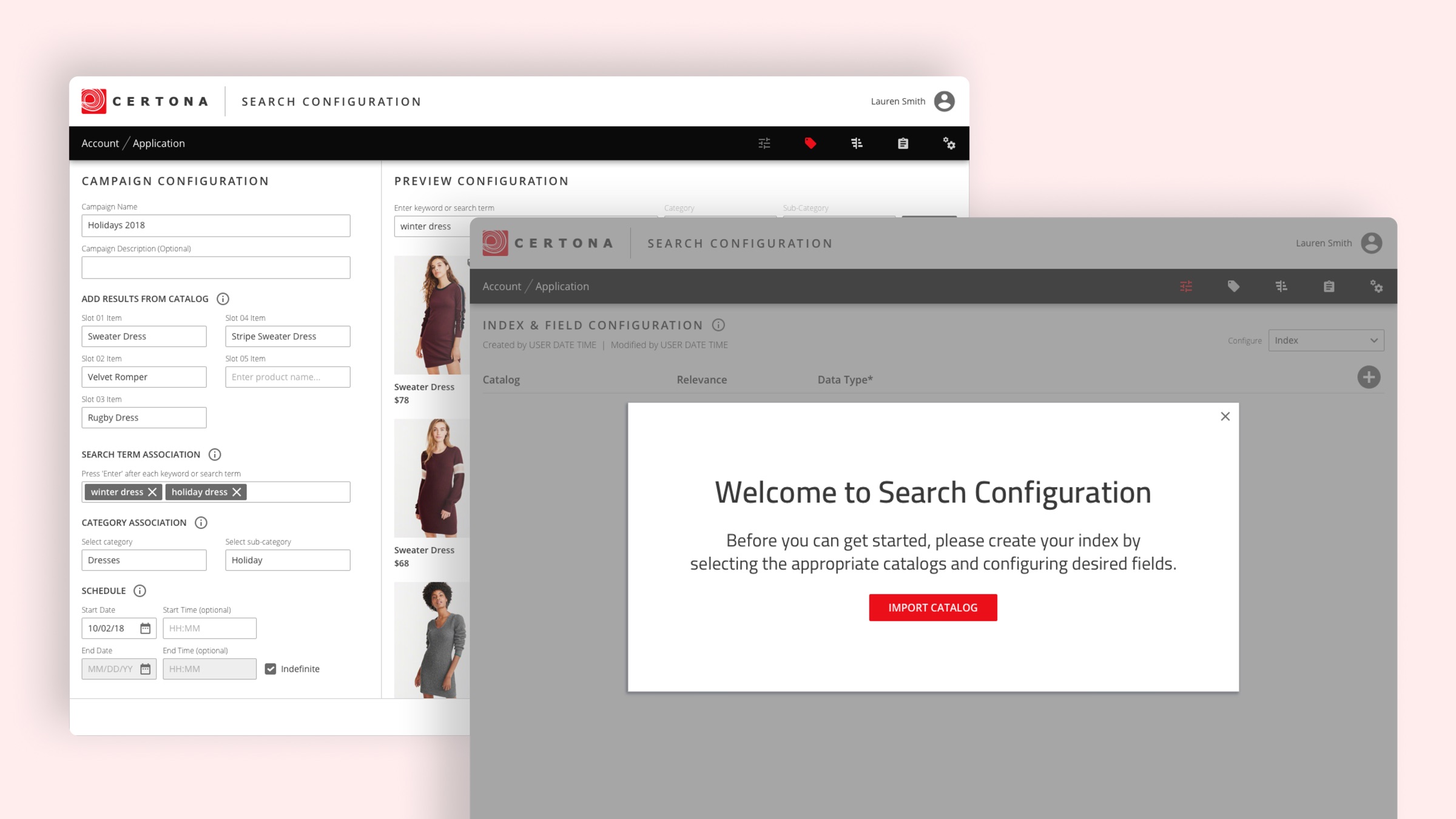
Context
Certona made personalization software for e-commerce companies. Clients used it to set up discounts and campaigns that maximized revenue at key times of the year. It also tracked visitor data to power personalized recommendations in email, while shopping, and at checkout.
Goals
Build a self-service version of the platform, so clients could set up their own campaigns and discounts without contacting their Certona account manager.
Let clients adjust personalization settings based on shopping behavior, best-selling products, returning customers, and more.
Add the project timeline, e.g. "2018 — 2019".
Years of requests for self-service
For years, clients had asked for tools that would let their own teams schedule campaigns, set promotional windows, and manage discounts without going through an account manager or a support engineer.
Pain points and opportunities
Outdated interface
The platform looked and felt old.
Over-customization
Features had been custom-built for individual clients.
Broken processes
Parts of the existing platform didn't work as intended.
Reliance on support
Clients needed outside help for routine changes.
Focus groups
The product owner regularly held focus groups with clients to learn about and validate:
- Pain points and concerns about the features we were considering.
- The design direction.
- How features worked as they were developed.
The beginning of Search Configuration
Engineers had built most of the original platform, and many features were custom-built on request to keep clients happy. As personalized shopping grew, use cases became more complex.
To modernize the product, Certona took on a set of large feature requests to cover use cases the old product couldn't, and to win and keep clients against a growing field of competitors. Search Configuration was the first of them.
Getting started
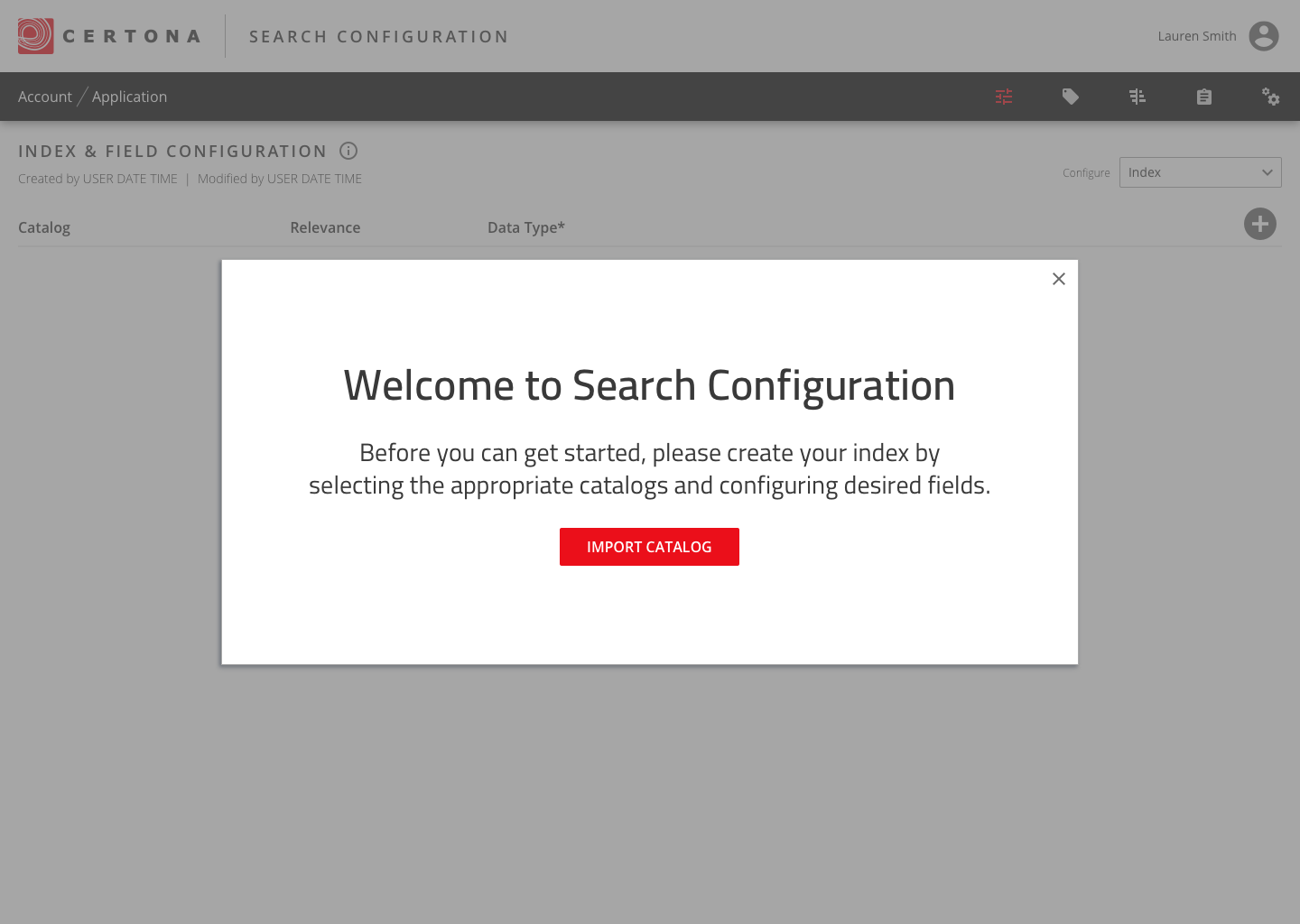
A welcome screen walks new clients through the first step: importing their product catalogs to build a search index.
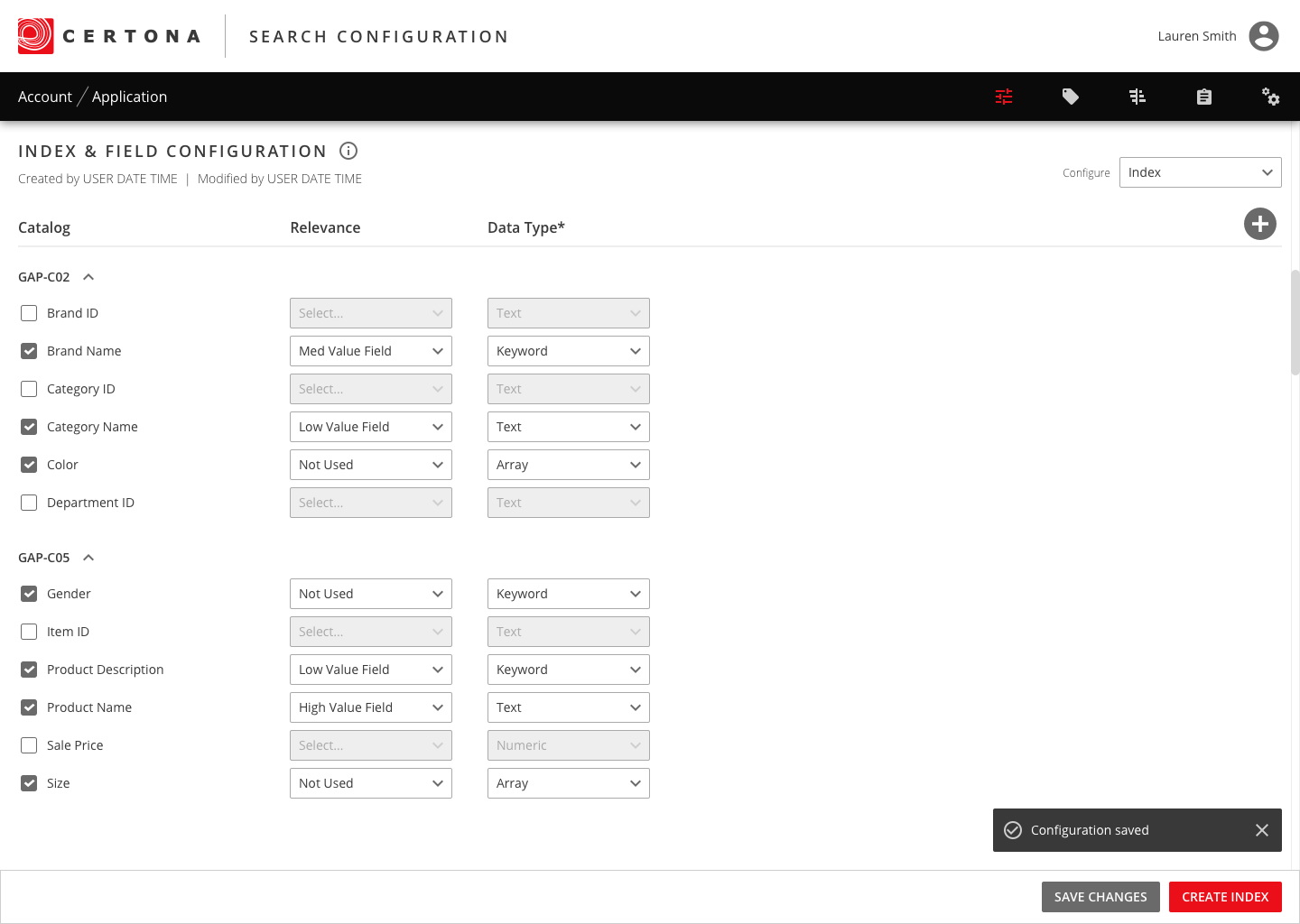
Tuning what matters in search
Clients choose which catalog fields to include in search, how much weight each one carries, and what kind of data it holds. That puts relevance under their control instead of a support engineer's.
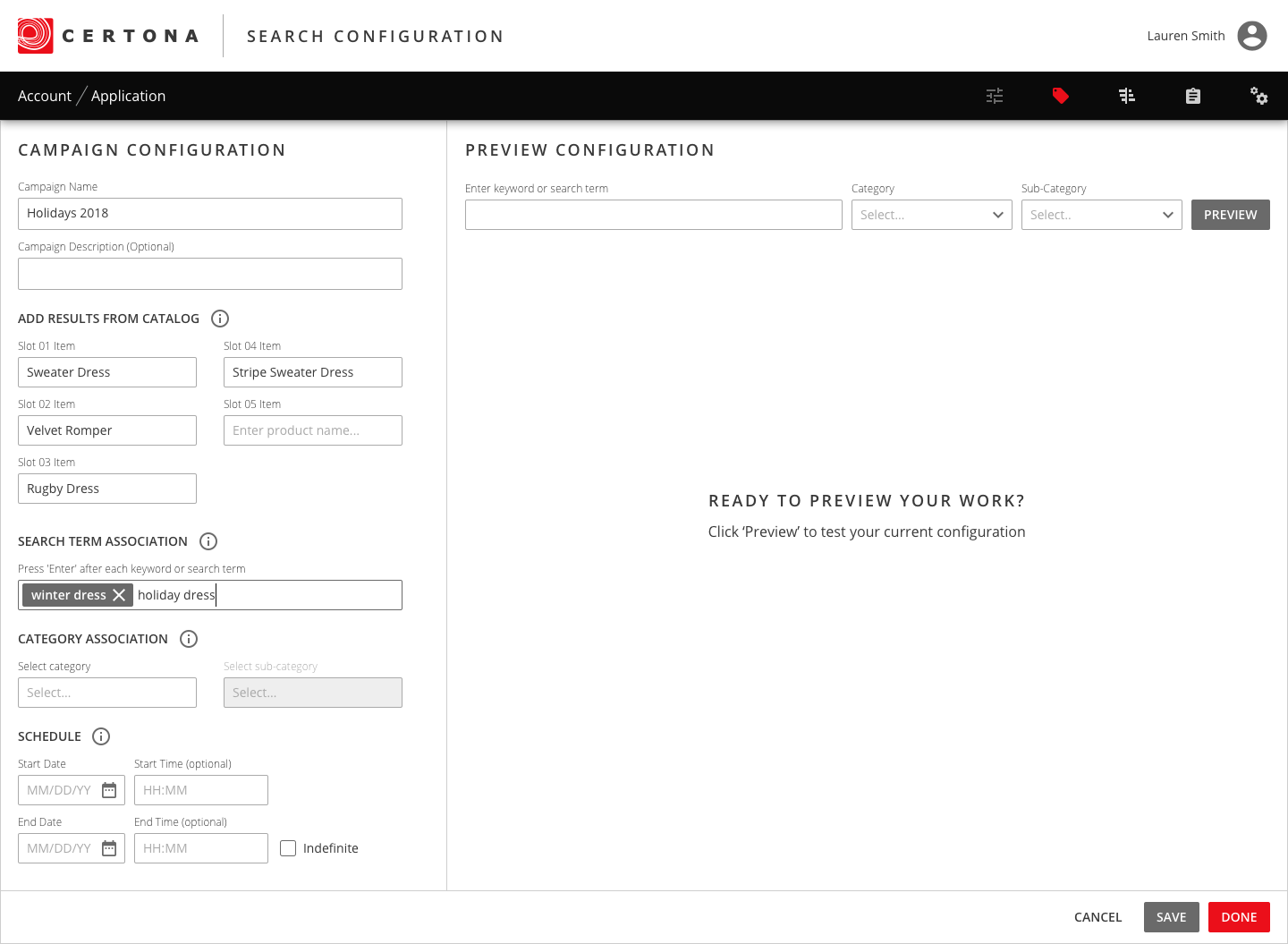
Building a campaign
Merchandisers pin products to specific result slots, tie them to search terms and categories, and schedule when the campaign runs. A preview on the right shows the results before anything goes live.
Managing campaigns
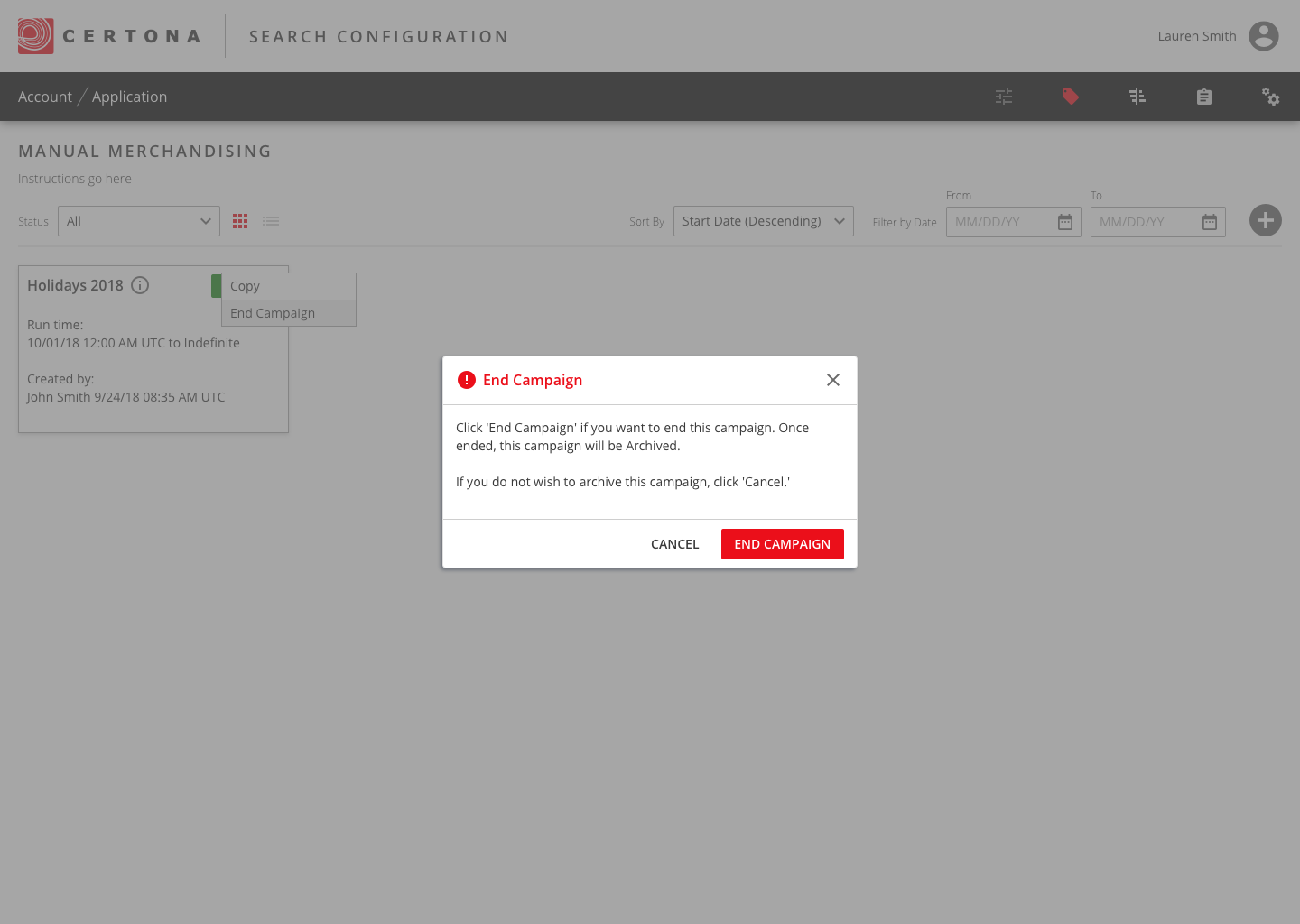
All campaigns live in one place, where clients can filter by status and date, copy a campaign, or end one with a clear confirmation.
Certona's first design system
To standardize the design and keep development consistent, I built Certona's very first design system. I worked through many of the components with engineers to balance what we wanted against the time and effort to build it.
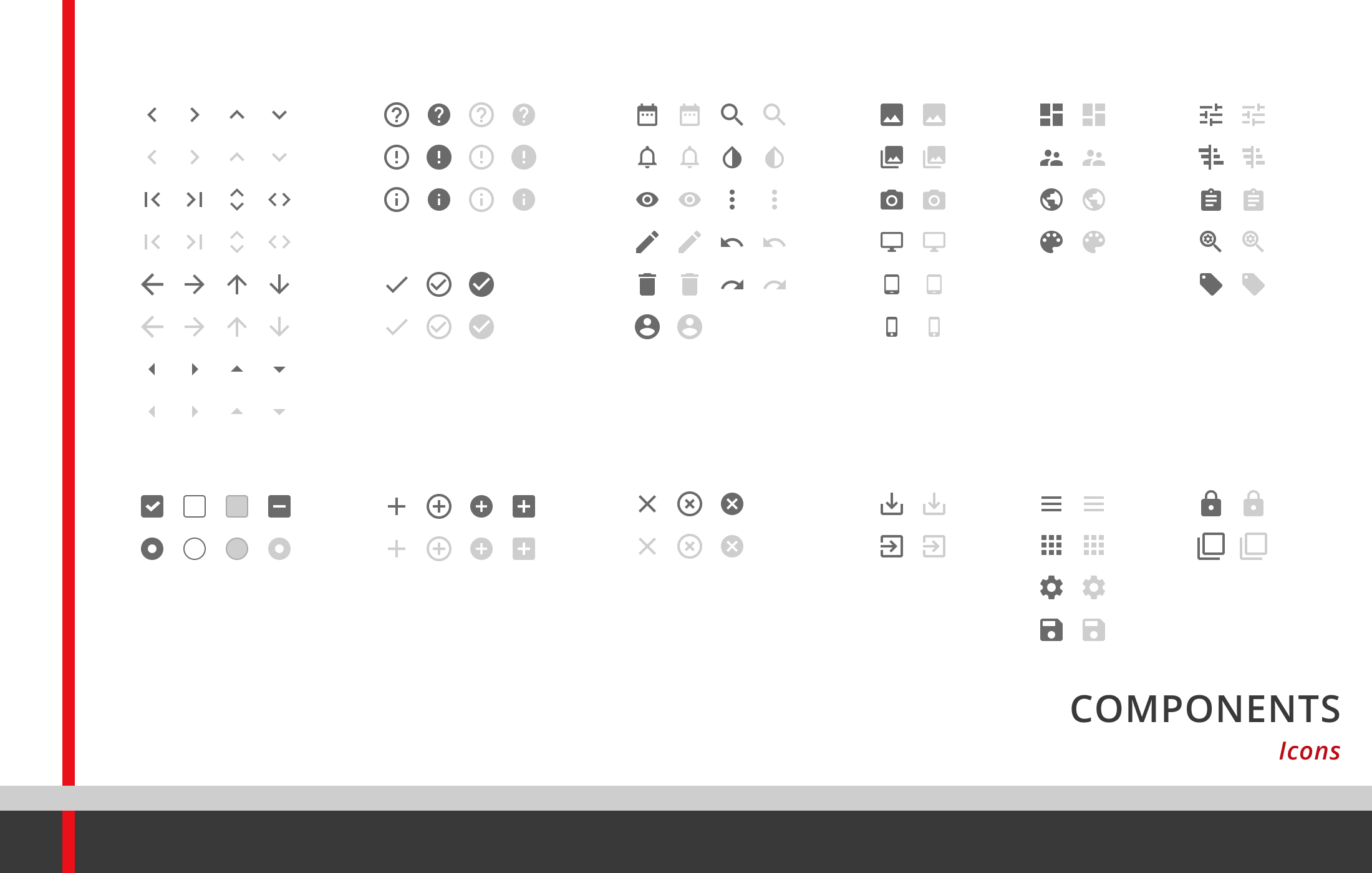
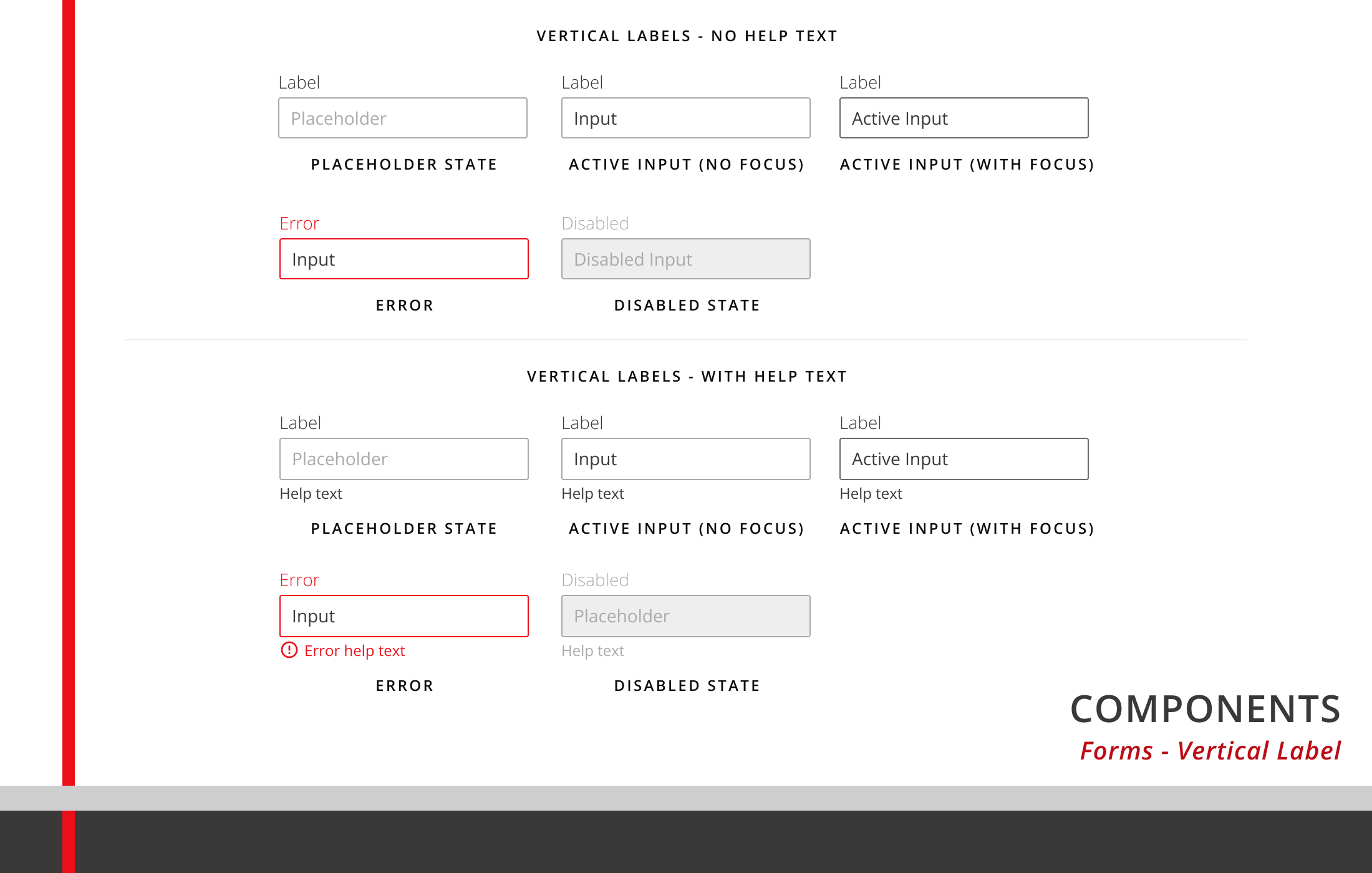
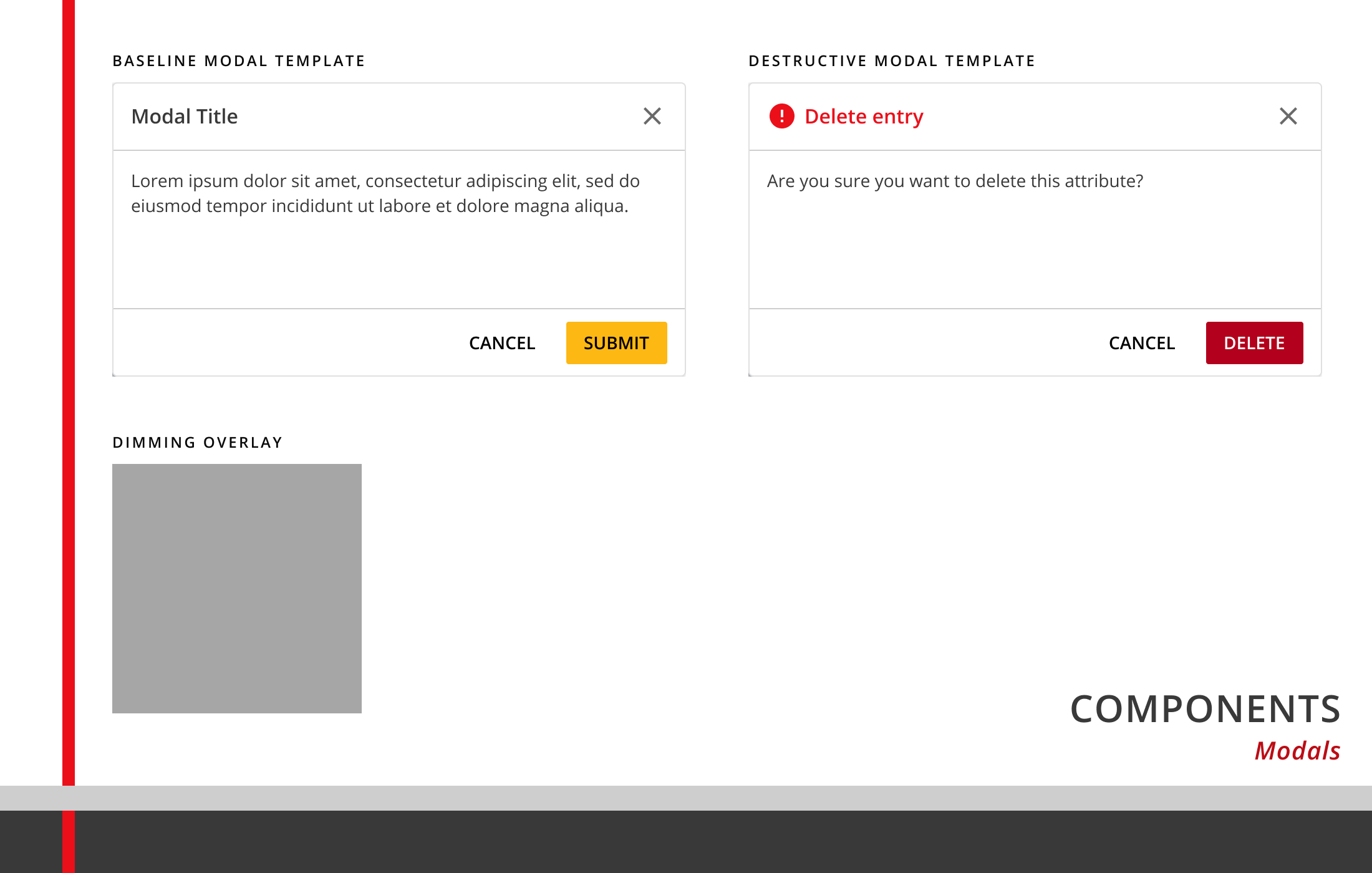
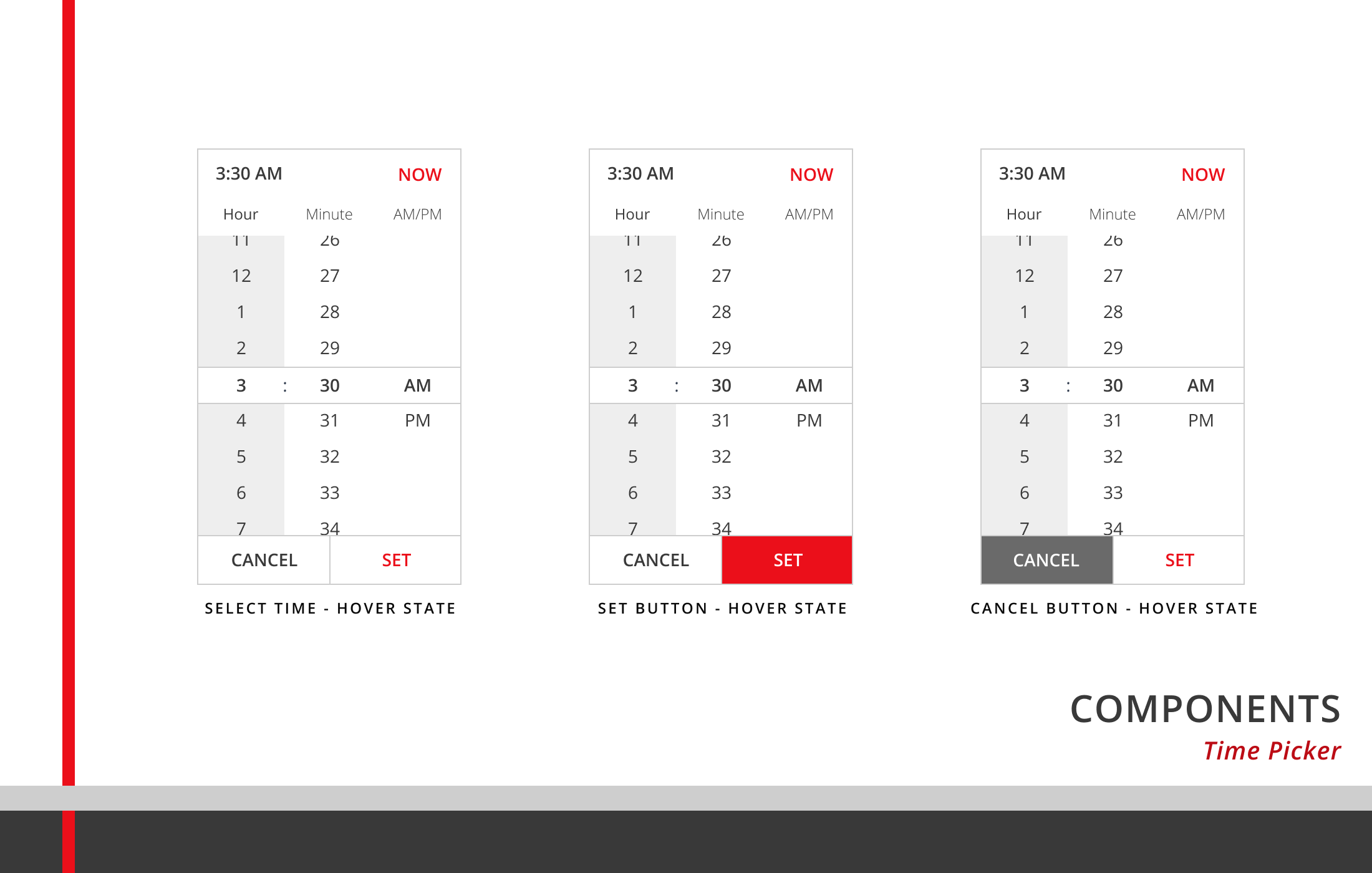
Icons, form fields, modals, and a time picker from the library.
Testing and iteration
I built mid- to high-fidelity prototypes in InVision and ran usability tests, mostly moderated over video calls. The tests asked two questions:
- Was anything too hard to find?
- Could people complete tasks with minimal confusion?
Feedback worth acting on was prioritized for revision before handoff to development. The rest was tagged as nice-to-have until it could be fit into the company roadmap.
Results
Of support work saved each week, per client
Faster client implementation
To go live with search changes, down from a week
After Kibo acquired Certona, Kibo decided to separate the backend from this interface and reuse the backend in its existing products.
These results are from your résumé. Confirm they came from this work, given that Kibo didn't keep this interface.
What I learned
This was my first full-time design role, and I've carried a lot of its lessons into later roles. My background in retail helped me quickly understand the features we were building.
Research
I wish I'd sat down with support and solutions engineers early to understand how complex the existing platform and databases were. Those complexities often surfaced in planning and refinement meetings, when the design should have been close to locked, and the extra iterations delayed timelines.
It also would have helped to understand the full range of complaints and enhancement requests. A complete picture of how people saw the current platform would have led to design decisions that fixed existing problems and, hopefully, prevented new ones.
Design, design systems, and accessibility
Users relied heavily on color to tell statuses apart. When Marketing leaned into Certona red, it confused people: red became the color for primary actions, when the old platform had reserved it for destructive ones. The shade also failed basic contrast checks against white. I would have pushed harder with Marketing for a color system built for interaction design, not just the brand.